01 / Challenge
From scattered files to one workflow
Managing content across multiple freelance projects created unnecessary friction. Client images arrived through different channels, filenames were inconsistent, assets lacked clear ownership, and preparing media for production required repetitive resizing, conversion, and organization. Traditional file-sharing tools could store files, but they did not provide the project-level permissions, image workflows, or structured client experience needed for efficient web development.
02 / Approach
Designed around the handoff
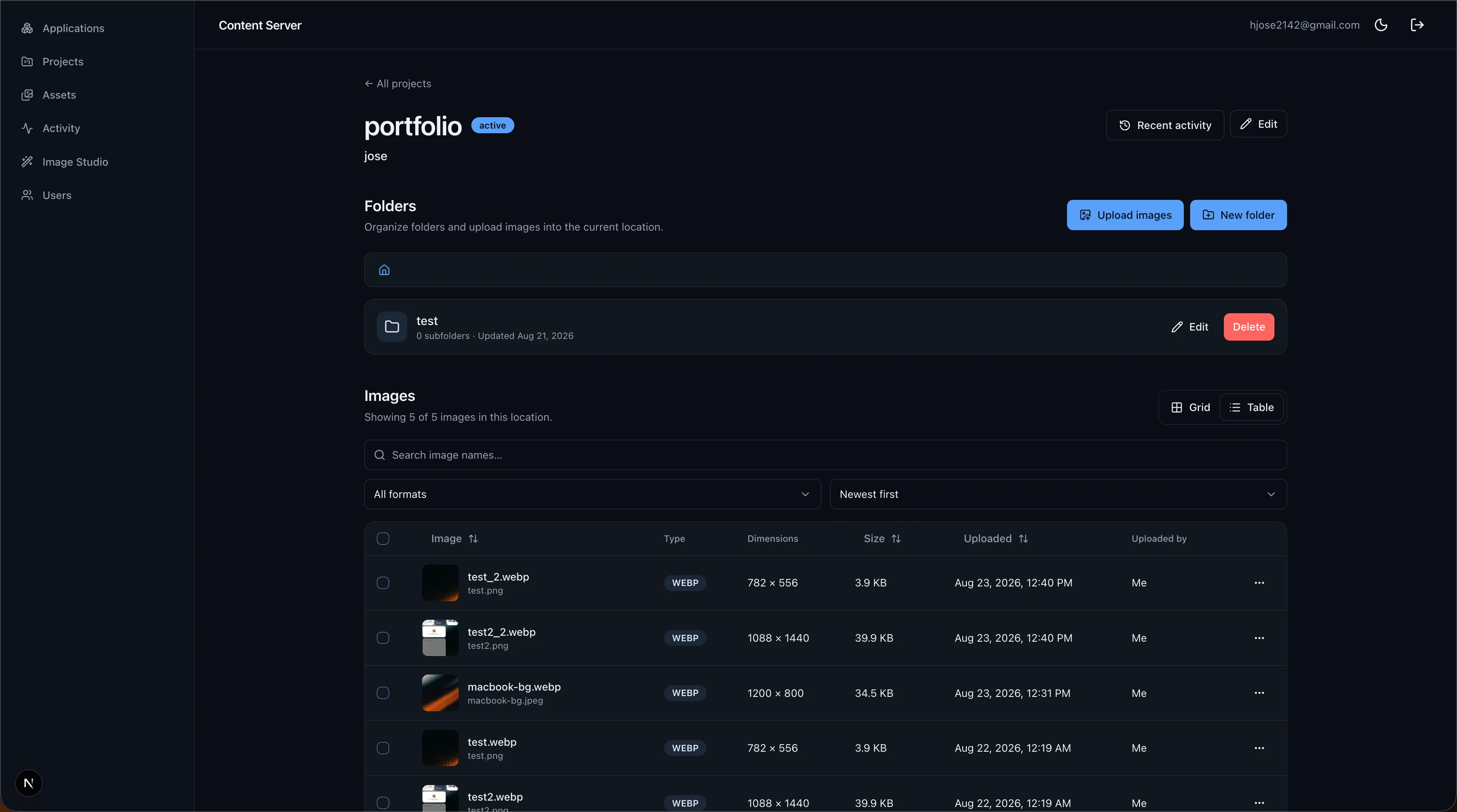
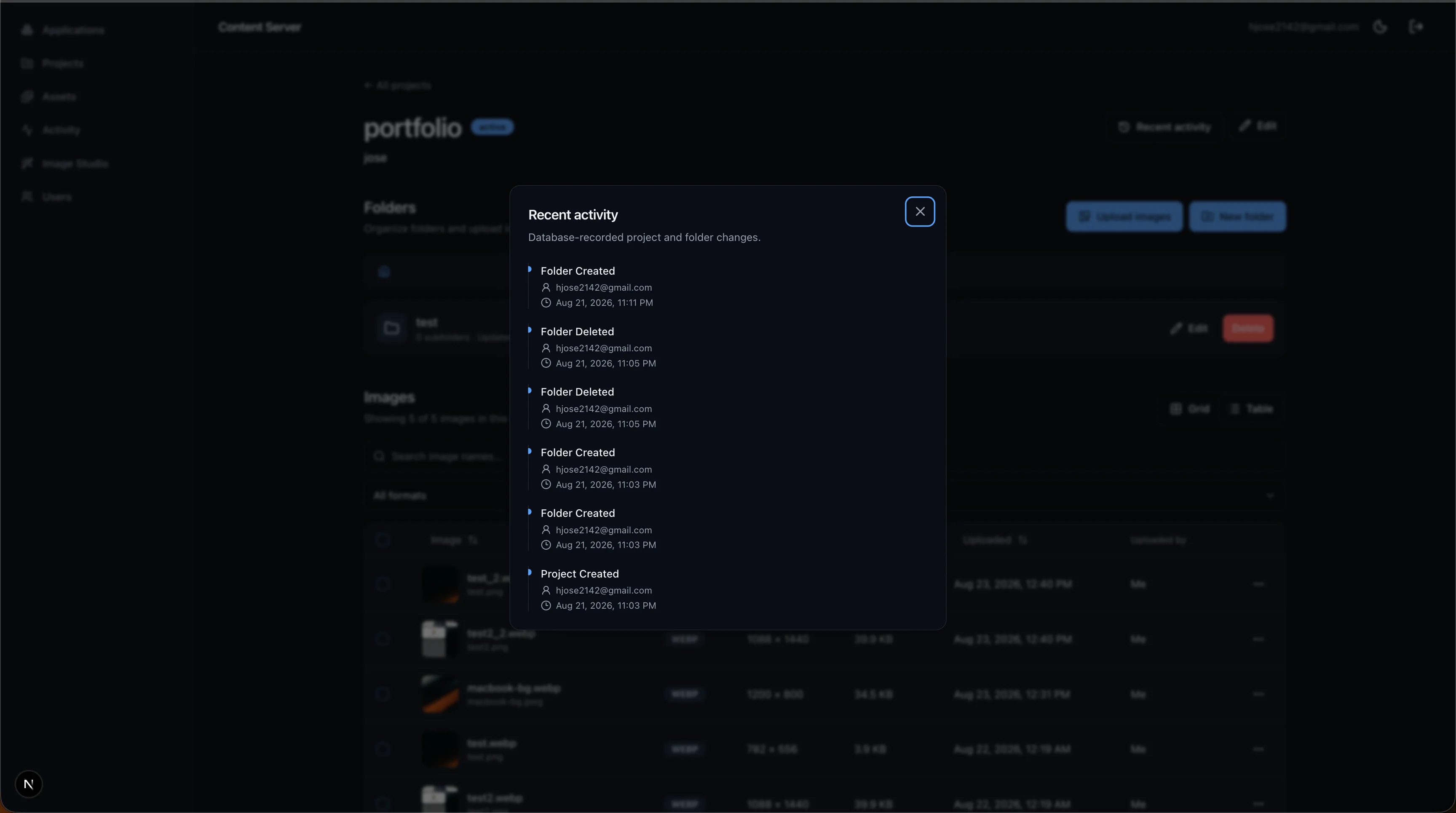
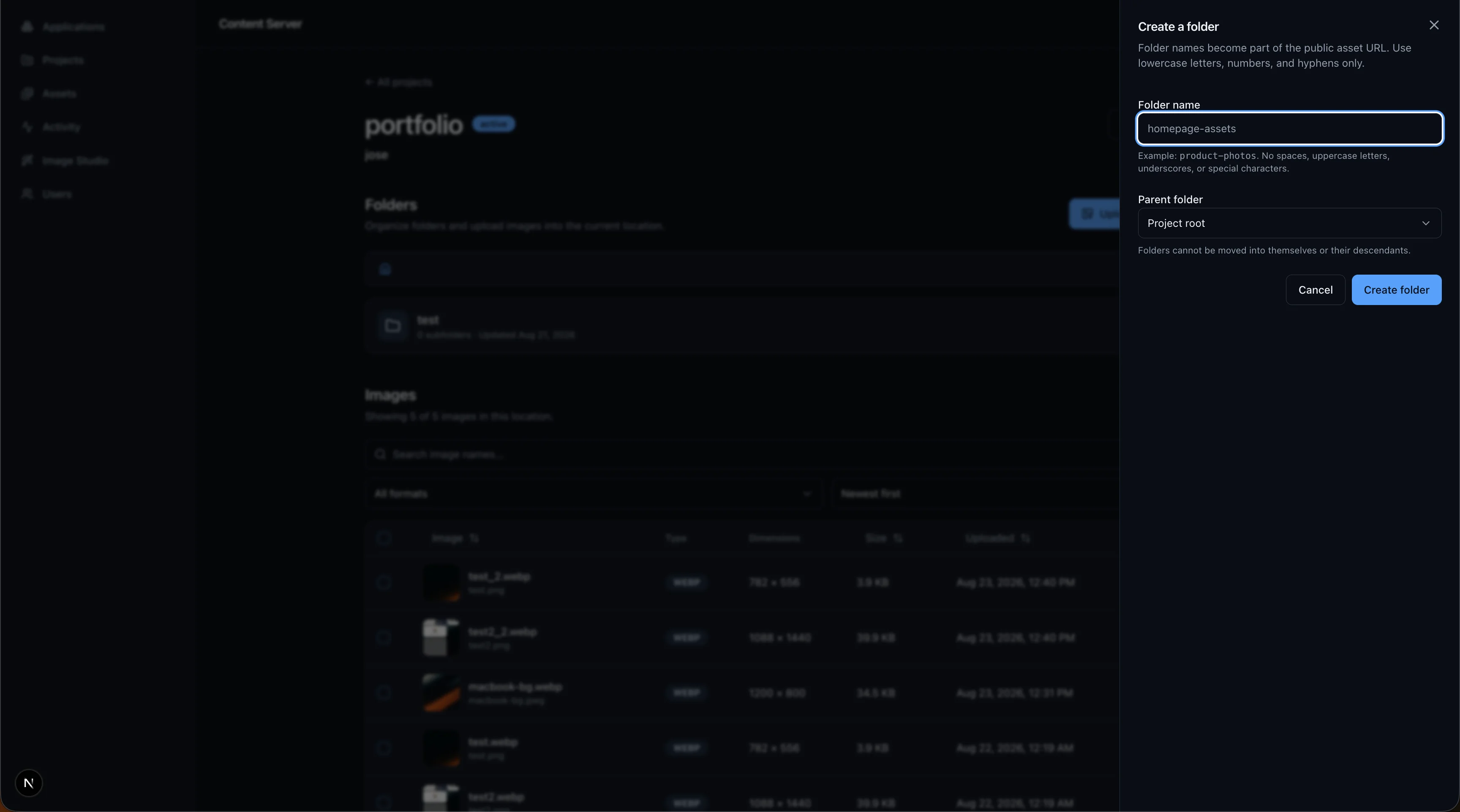
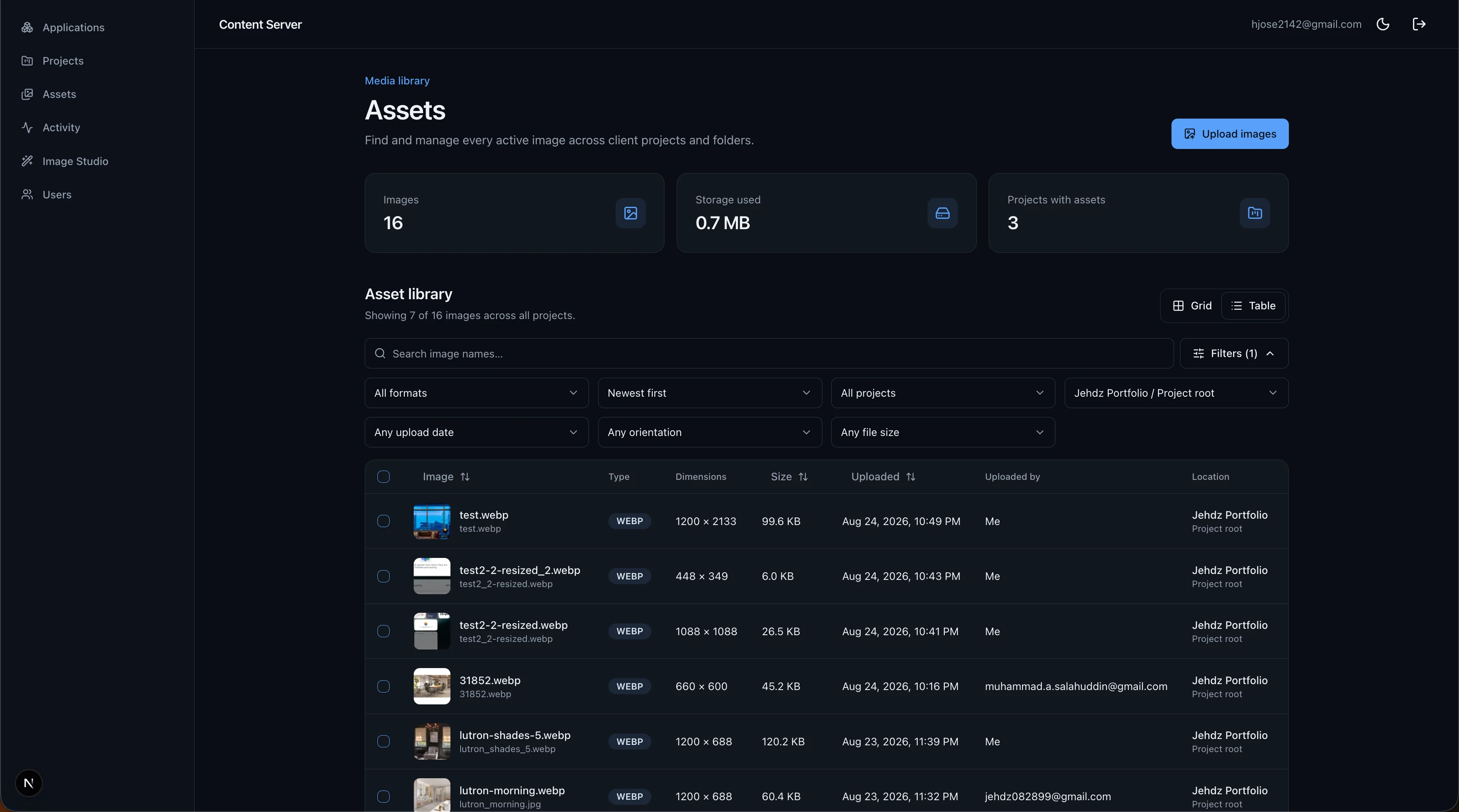
I designed and developed Content Server as a centralized workspace for managing clients, projects, nested folders, and production assets. Administrators can invite clients with role-based access, monitor upload activity, and manage images through searchable table and gallery views. A browser-based Image Studio crops, resizes, renames, and converts assets to WebP before securely uploading them to the right project folder. Supabase coordinates authentication, PostgreSQL row-level security, and object storage, while Next.js delivers a focused administrative dashboard and personalized client portal.
03 / Outcome
A secure, repeatable system
The platform consolidates client onboarding, project organization, asset delivery, and image optimization into one workflow. It reduces repetitive file preparation and gives clients a clear place to contribute content without exposing administrative tools or unrelated projects. Server-side metadata verification, duplicate-filename handling, granular permissions, and per-file upload states keep the workflow dependable as projects grow.
04 / Interface
Inside the platform
05 / Stack